Step 1: Access WDG
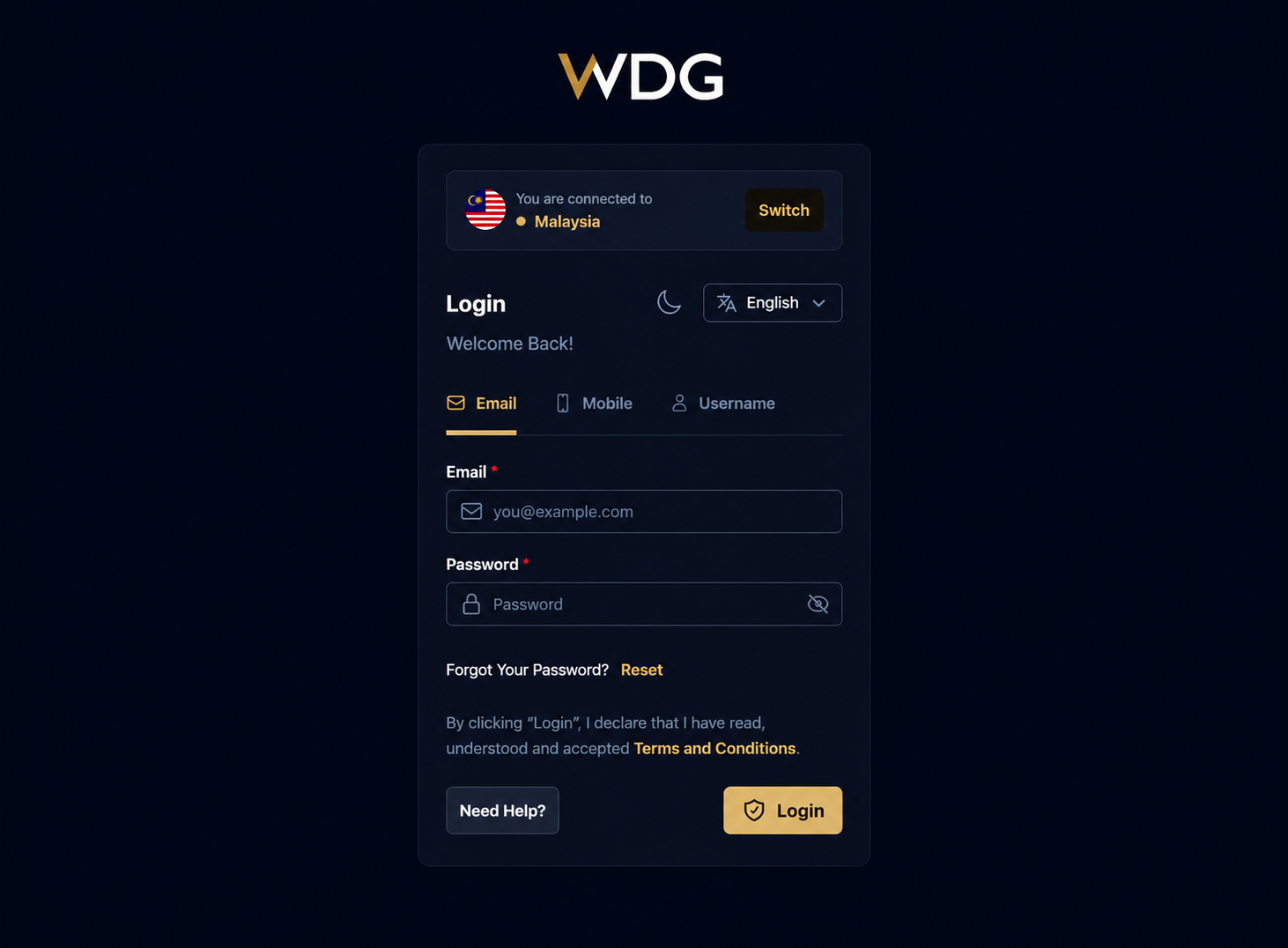
Open the WDG website at https://wdg.world/login using your preferred web browser, or launch the WDG mobile app on your device.
Step 2: Select Country
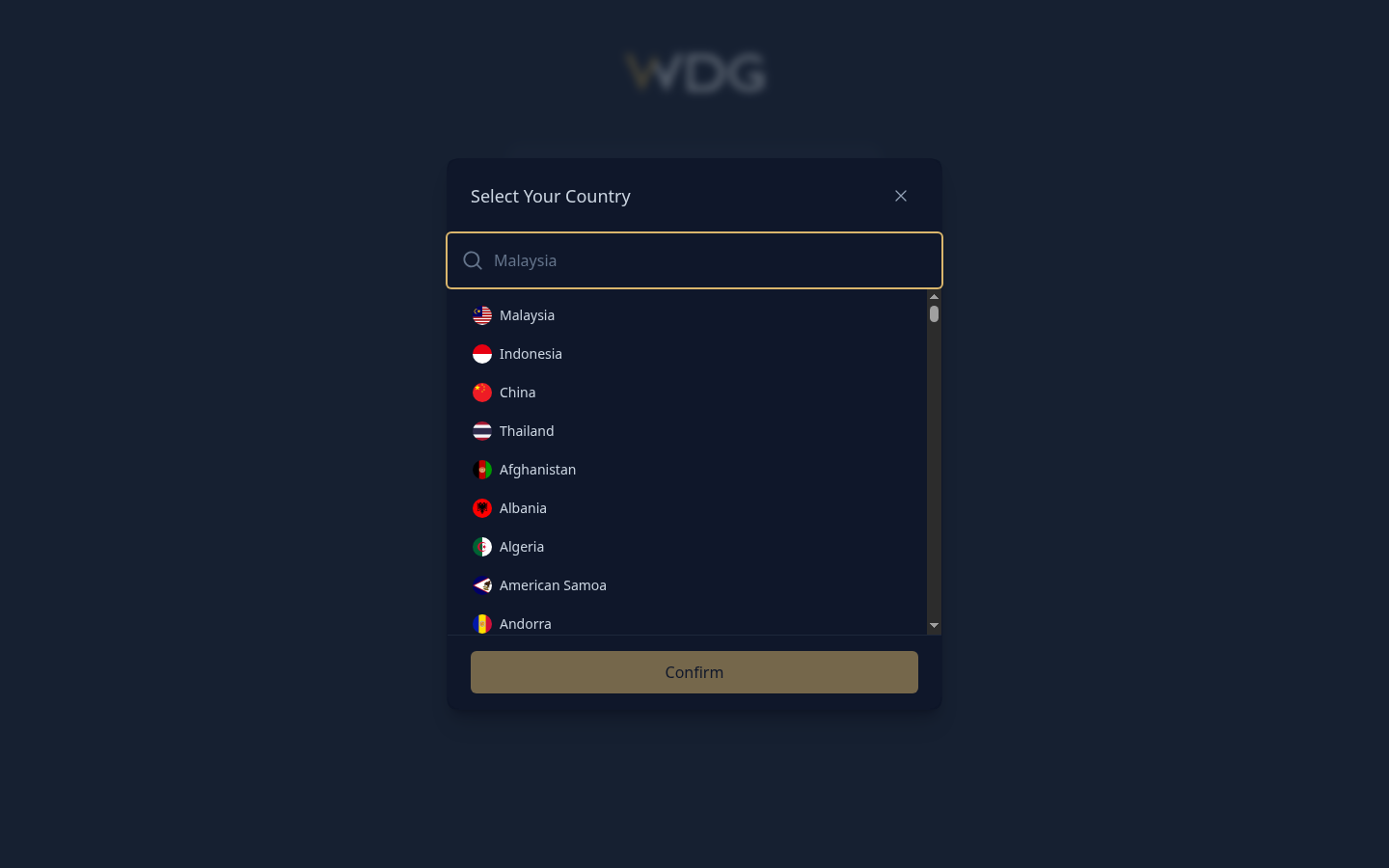
Search for and select your country (e.g., Malaysia), then tap or click Confirm to continue.
Step 4: Enter Credentials
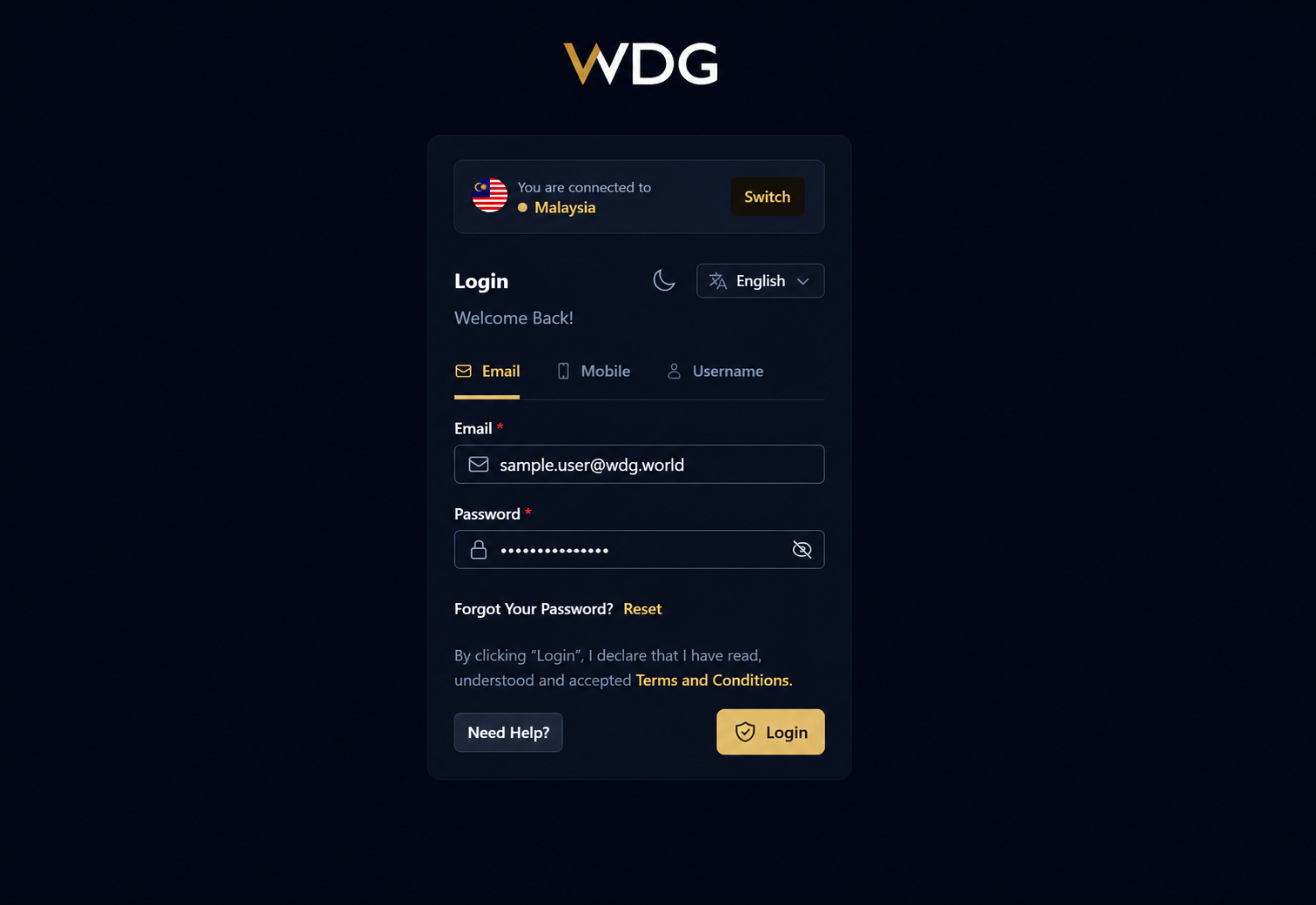
On the login page, enter your registered:
- Email Address, Mobile Number, or Username
- Password
Ensure the information entered is correct.
Step 5: Sign In
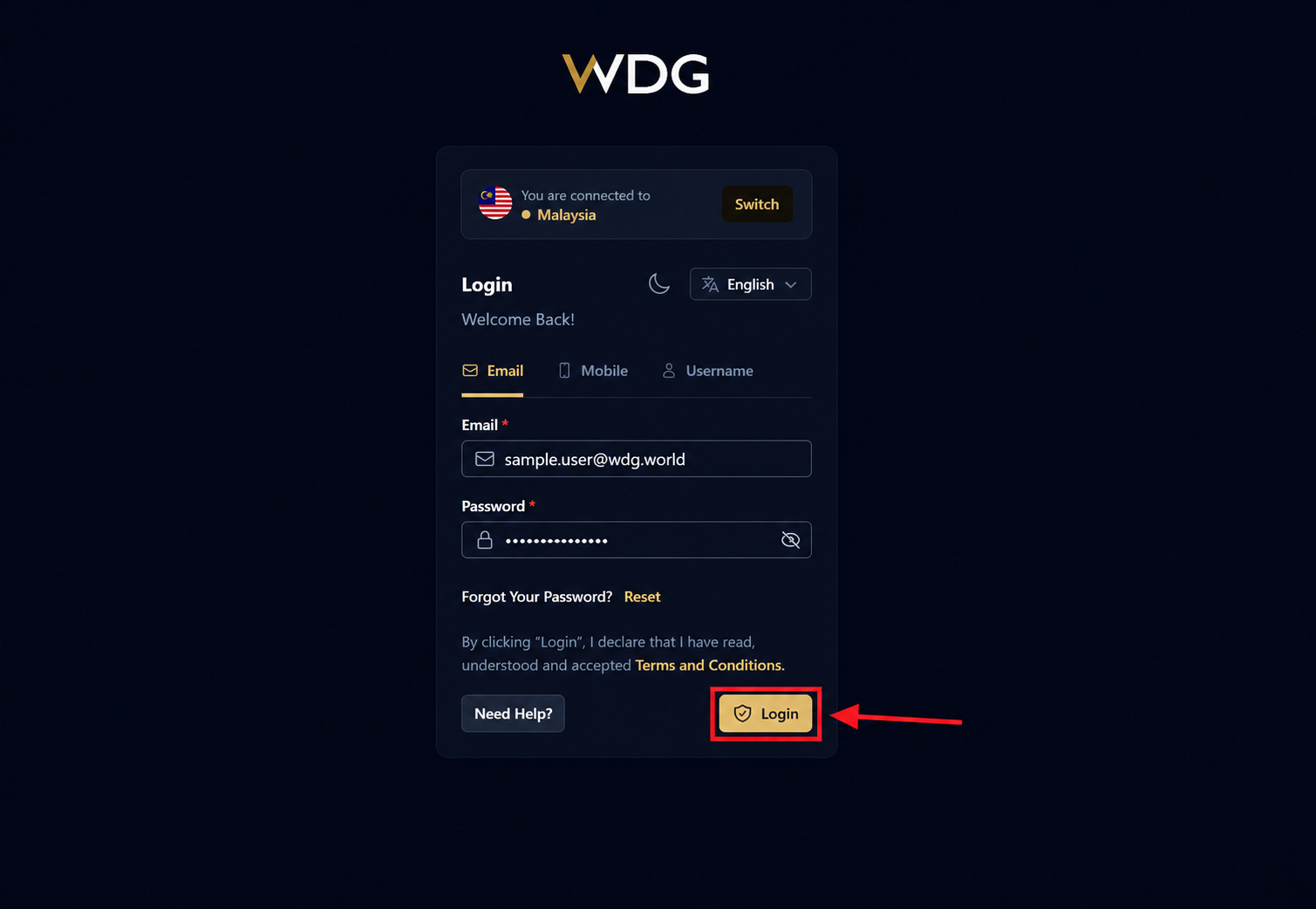
After verifying your login credentials, tap or click Login.
Was this article helpful?
That’s Great!
Thank you for your feedback
Sorry! We couldn't be helpful
Thank you for your feedback
Feedback sent
We appreciate your effort and will try to fix the article